Register
 Sign In

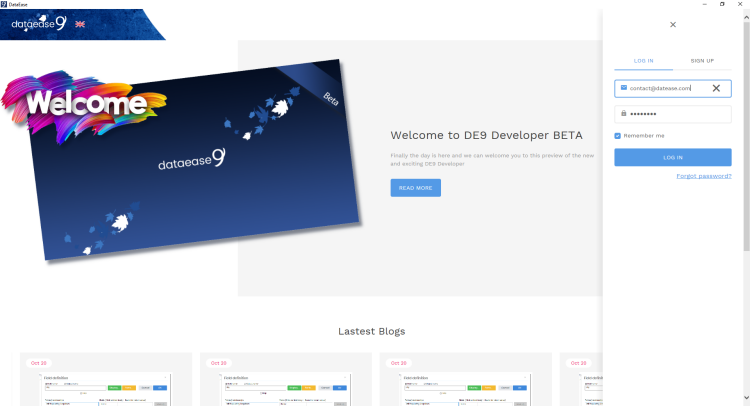
Beta 33% 09.11.19 - A Dataease version fully built in - Dataease
The time has come and today we let the cat out of the bag - for the first time we let anyone outside our closet partner network see and play with DE9.
We call it Beta 33% but don't make that put you off. It is a fully working replacement for DE8.5 which was the first milestone we wanted to reach before we let it out.
However it is much more than that which you will quickly find out. The reason we call in 33% is because it is at this stage only 33% of our ambition for DE9.
So within these 33% you find all the functionality from DE up to and including 8.5 final with over a 100% new functionality partly revealed today and to be revealed and evenly spaced out increments over the next 3 months.
Published: 9 November 2019

Copyright © DataEase Limited. All Rights Reserved