Register
 Sign In

App Fault
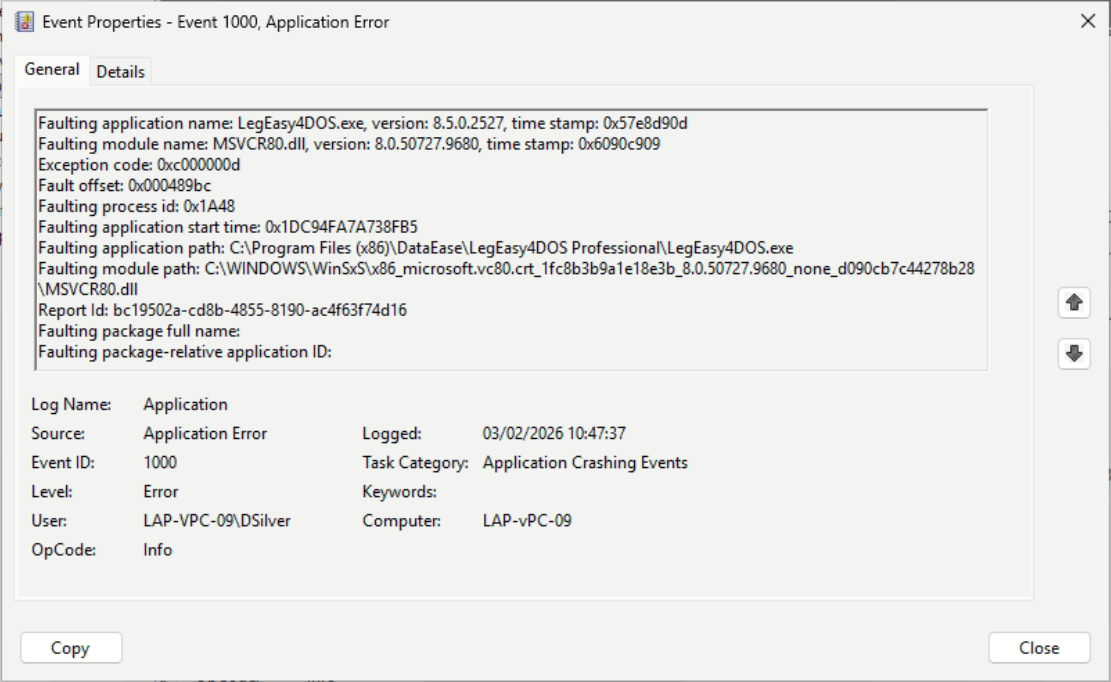
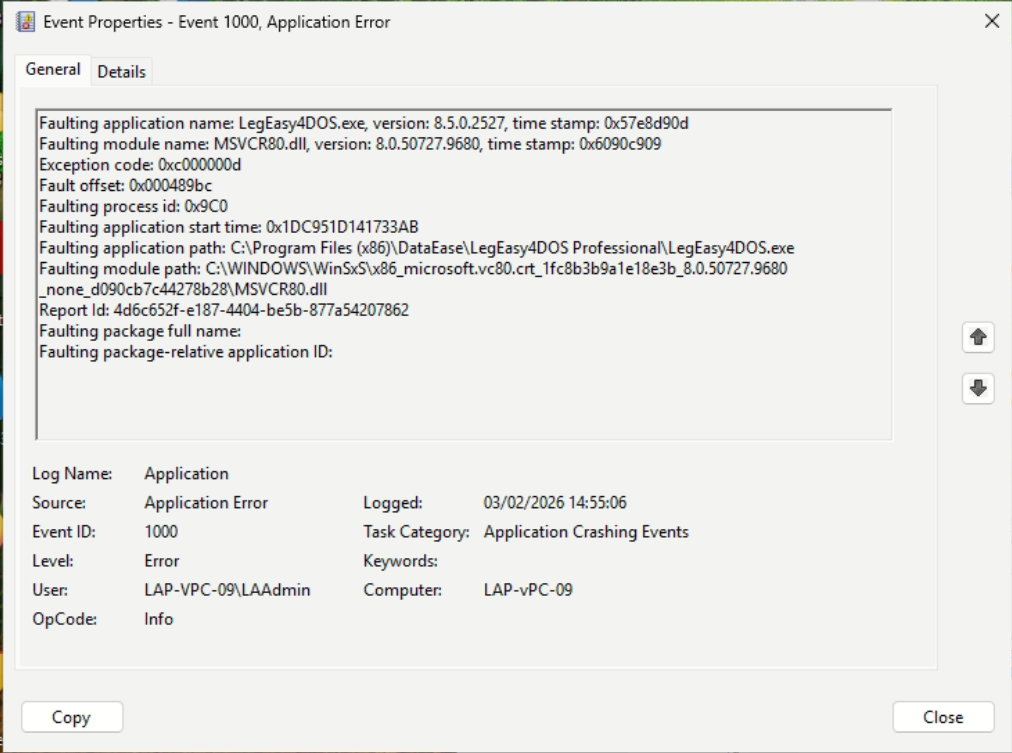
Hi I am getting the attached error when running LegEasy4DOS on a windows 11 PC. Has anyone experienced this before and knows what causes it? I have installed the product on 2 other PC's with the same setup without fault. On this particular PC if you try to launch LegEasy4DOS it appears nothing happens but you can see the attached error in event viewer.
Thanks,
Richard
Hi!
Try to re-install the software with elevetated rights.
Is there anything different with this workstation at all. Different OS, printer drivers etc.
Hi Tried reinstalling multiple times with and without admin rights. Same OS version, same AV and same printers.
Hi again.
Had some deep dive and discussion with the guys and the problem is with the Microsoft Redistributables for Visual Studio.
These are files that is "newer" than the Operating system at the time, but frequently is included with a newer operating system.
To make it even better Microsoft has a system for running multiple versions of the same files in a "side-by-side" configuration (very clever) so sometimes this goes haywire which it seems it has done this time.
The redistributables are shipped and you can find them in the catalog shown above.
Run the last one again in elevated mode and see if it fix the problem. if not, de-install and clean up the installation, restart the computer and then install LegEasy4DOS from scratch with elevated mode.
Our world is a beautiful world....he,he.
Hi, unfortunately I followed your instructions to the letter but still getting the error.

This is the problem and as you see the directory name is quite cryptic under windows and that is because its several versions of the same file and the registry on that computer is now confused and try to load the wrong version hence it GPF.
The problem is in WIndows and not DataEase. There is another software on the computer that use the same DLL but a different version and in the installation/registry this has now become confused.
Its a nightmare and the registry need to be fixed as DataEase simply ask WIndows for this file and then WIndows supply it via its side-by-side system which is the one that is now confused.
WInSxS is short for WIndows Side x Side
Copyright © DataEase Limited. All Rights Reserved